In this guide
If you are new to Fujifilm, two terms start appearing almost immediately: film simulations and Fujifilm recipes.
They sound similar. They are often mentioned in the same sentence. And because recipes are built around film simulations, it is easy to assume they are basically the same thing.
They are not.
A Fujifilm film simulation is a built-in color profile created by Fujifilm.
A Fujifilm recipe uses one of those film simulations as a starting point and combines it with additional JPEG settings such as white balance, highlights, shadows, grain, color and clarity.
That distinction is simple, but it explains a lot about how Fujifilm JPEG photography works.
Quick answer: Fujifilm film simulation vs recipe
Here is the easiest way to think about it:
| Film simulation | Fujifilm recipe | |
|---|---|---|
| Created by | Fujifilm | Photographer / recipe creator |
| Built into camera | Yes | No, you enter the settings yourself |
| Uses a film simulation | It is the simulation | Yes |
| Changes white balance | No | Often |
| Changes highlights/shadows | No | Often |
| Changes grain | No | Can |
| Changes Color Chrome settings | No | Can |
| Creates a complete custom JPEG look | Partly | Yes |
| Can be saved as custom setting | Selected normally or inside custom setting | Usually |
So something like Classic Negative is a film simulation.
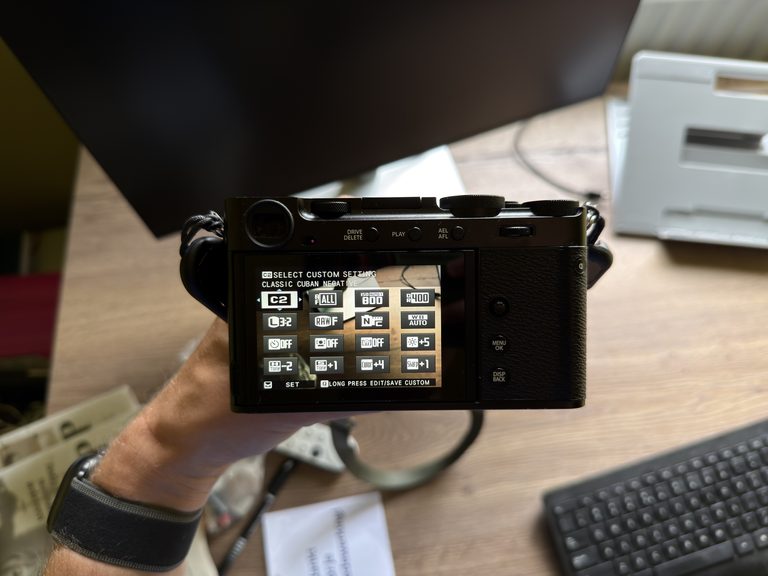
Something like my Cinematic Gold setup uses Classic Negative as its base and then changes several other JPEG settings around it.
That makes Cinematic Gold a recipe.
New to Fujifilm recipes? If you want to know how to enter a recipe into your camera, save it to a custom slot and switch between recipes while shooting, I have a complete beginner guide. Learn how to use Fujifilm recipes

What is a Fujifilm film simulation?
A film simulation is Fujifilm’s interpretation of a particular photographic look.
Instead of starting every JPEG from the same neutral color profile, you can choose between different simulations depending on how you want the image to feel.
Examples include:
- Provia
- Velvia
- Astia
- Classic Chrome
- Classic Negative
- Nostalgic Neg
- Reala Ace
- ACROS
They differ in areas such as color, contrast, saturation and tonal rendering.
Velvia, for example, is associated with stronger, more vivid color.
Classic Chrome tends to feel more subdued.
Classic Negative has a more distinctive color and contrast response.
ACROS gives you a monochrome starting point.
The important thing is that these profiles are already built into compatible Fujifilm cameras.
You select one, and the camera uses it when processing your JPEG.
You do not need to download anything or create a recipe to use a film simulation.
What is a Fujifilm recipe?
A recipe takes that film simulation and builds a more specific look around it.
For example, a recipe might start with Classic Negative and then change:
- white balance
- white-balance shift
- highlight tone
- shadow tone
- color
- sharpness
- High ISO Noise Reduction
- Grain Effect
- Grain Size
- Color Chrome Effect
- Color Chrome FX Blue
- clarity
- Dynamic Range
Those settings together create the final JPEG look.
That is why two recipes can both use Classic Negative and still look completely different.
The simulation is only one part of the recipe.
My own Cinematic Gold Fujifilm recipe and Mountain Reality recipe are good examples.
They can share parts of Fujifilm’s JPEG-processing system while still being designed for very different situations.


A film simulation is the foundation, not the full recipe
This is probably the most useful distinction.
Think of the film simulation as the foundation.
The recipe is the complete combination built on top of it.
If someone tells you:
Use Classic Negative.
you know the film simulation, but you do not know:
- the white balance
- WB shift
- tone curve
- color setting
- grain
- clarity
- Dynamic Range
- Color Chrome settings
If someone gives you a complete Fujifilm recipe, those values are normally included too.
That is why simply selecting the same film simulation as a recipe does not reproduce the recipe.
You are only copying one ingredient.
Which settings actually make recipes look different?
Some settings have a much bigger visual effect than others.
White balance and white-balance shift
This can dramatically change the character of a JPEG.
A warmer white balance or a shift toward red can create a much warmer, nostalgic appearance.
A cooler shift can make the same film simulation feel completely different.
This is one reason a recipe can look wrong even if you selected the correct base simulation.
Highlight and shadow settings
These determine how bright and dark parts of the JPEG are rendered.
More aggressive shadow settings can create a deeper, more contrasty image.
Softer settings can make the image feel flatter or more faded.
Color
The Color setting changes color intensity.
Combined with the base simulation, it can make a recipe feel more muted or much more vivid.
Grain
Grain does not fundamentally change the color palette, but it can change the texture and character of the image.
Some recipes rely heavily on grain.
Others work better clean.
Color Chrome Effect
Color Chrome Effect can help preserve tonal detail in strongly saturated colors.
That can be particularly noticeable in things like flowers, autumn leaves and brightly colored objects.
Color Chrome FX Blue
This specifically affects blue areas.
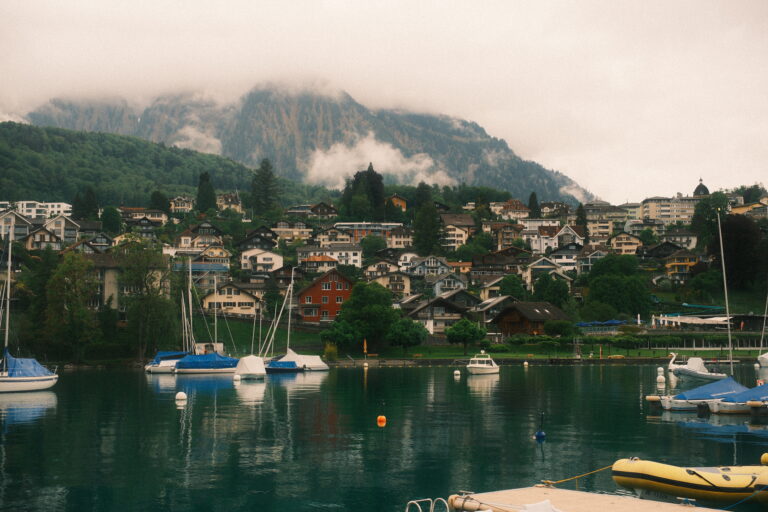
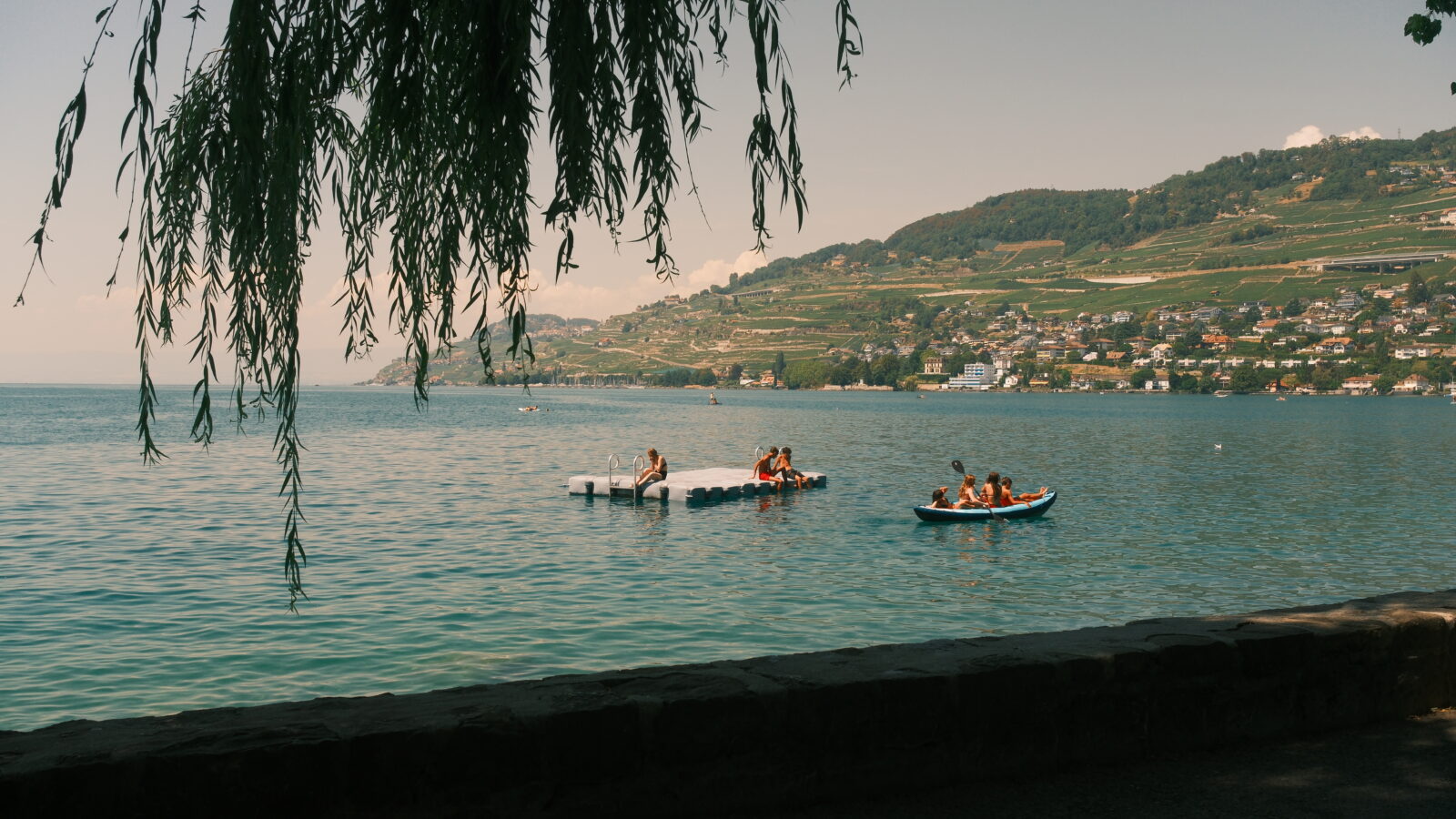
That can make a significant difference in skies and water, which is one reason it matters in some of my mountain and Switzerland photographs.
Clarity
Clarity can make an image look crisper or softer.
Negative Clarity is often used to reduce the very clean digital appearance of a JPEG.
That is especially useful in recipes designed around a softer or more nostalgic aesthetic.
Will a recipe work on your camera? Not every Fujifilm body offers the same simulations and JPEG controls. I made a separate compatibility guide covering recent X-Trans cameras and what to do when a setting is missing. Check Fujifilm recipe compatibility
Why can two recipes using the same film simulation look completely different?
Because the film simulation does not determine the entire output.
Imagine two recipes both use Classic Negative.
Recipe A could have:
- warm Daylight White Balance
- stronger red shift
- softer highlights
- reduced color
- grain
- negative clarity
Recipe B could have:
- Auto White Balance
- cooler WB shift
- stronger contrast
- increased color
- no grain
- neutral clarity
They would still technically be based on the same Fujifilm film simulation.
But visually they could feel completely different.
That is why saying a recipe is “a Classic Negative recipe” only tells you part of the story.
Can you use a film simulation without a recipe?
Absolutely.
You do not need a recipe every time you take a photograph.
You can simply choose something like Classic Chrome, Reala Ace or ACROS and photograph with the default JPEG settings.
Sometimes that is all you need.
Recipes become useful when you want something more specific or repeatable.
For example:
- a warmer travel look
- a natural mountain look
- an old black-and-white aesthetic
- something designed specifically for cloudy weather
- a look that works well in autumn
That is why I prefer thinking of recipes as tools for particular photographic situations, rather than as something you always have to use.
When I use a film simulation on its own
There are situations where I do not need to complicate things.
If I like what a film simulation is already doing in the light I am shooting in, I can leave most of the other settings relatively neutral.
This can be useful when:
- I want natural-looking JPEGs
- the light is already doing most of the work
- I do not want a heavily stylised image
- I am testing a new simulation
- I want a simpler setup
There is nothing inherently better about using a complex recipe.
More settings do not automatically create a better photograph.
Once you understand the difference between a film simulation and a full recipe, the next question is usually how many recipes you should actually keep on your camera. My answer is fewer than you might think. I explain my setup in How Many Fujifilm Recipes Do You Actually Need?.
When I prefer a full recipe
I use a recipe when I want a more specific look that I know works for the conditions.
That is particularly useful when travelling.
The light and subject can change constantly, but there are still recurring situations.
For example, in Switzerland I often photograph:
- mountains
- lakes
- clouds
- alpine villages
- wooden buildings
- train stations
- streets
- people
- changing weather
I use different recipes depending on which of those scenes I am photographing.
For mountains and more natural alpine colors, I often prefer Mountain Reality.
For warmer, more nostalgic travel scenes, I use Cinematic Gold.
I collected the recipes I actually used while travelling in my Fujifilm recipes for Switzerland travel photography guide.


Are Fujifilm recipes basically Lightroom presets?
Not really.
There is some conceptual overlap.
Both can give your photographs a repeatable look.
But they happen at different stages.
A Lightroom preset is applied after the photograph has already been taken.
A Fujifilm recipe changes how the camera creates the JPEG.
That means you can already see much of the look while shooting.
That difference changes the workflow.
Instead of capturing a neutral file and deciding on the aesthetic later, you can make that aesthetic part of taking the photograph.
That is one of the main reasons I enjoy using recipes.
I mostly shoot JPEG, so I often treat the image coming out of the camera as the finished photograph rather than as a starting point for editing.
I explain that approach in more detail in Fujifilm JPEG vs RAW: Do You Still Need Lightroom?.
Do you still need Lightroom? I mostly shoot Fujifilm JPEGs and only edit when an image actually needs more work. Here is how JPEG, RAW and Lightroom fit into my current workflow. Read my Fujifilm JPEG vs RAW workflow
Do Fujifilm recipes affect RAW files?
The recipe is primarily used to create the camera’s JPEG.
Your RAW file retains the underlying sensor data and gives you much more freedom afterwards.
That means you can photograph using a strong recipe while still keeping a RAW file that can later be interpreted differently.
This is useful if:
- the JPEG does not work
- white balance is wrong
- exposure needs major correction
- you want an entirely different look later
If you mostly use JPEG, the recipe matters much more because its settings become part of your finished image.
Can every Fujifilm camera use the same recipes?
No.
This is another area where film simulations and recipes can become confusing.
Different Fujifilm bodies can offer different:
- film simulations
- JPEG-processing options
- ways of storing white-balance shifts
- Grain controls
- Clarity controls
- Color Chrome settings
So a camera may support the base film simulation while still being unable to reproduce every other setting in the recipe.
For example, an older Fujifilm camera might support a particular simulation but lack Color Chrome FX Blue or Grain Size.
That means you can create an approximation, but it is no longer an exact copy of the recipe.
For a more detailed breakdown by camera generation, see my Fujifilm recipe compatibility guide.
Why can the same recipe still look different on two cameras?
Even if both cameras support every setting, the images are not guaranteed to look identical.
Differences can come from:
- sensor generation
- processor
- lens
- exposure
- Auto White Balance
- lighting
- ISO
- firmware
- subject matter
A recipe is not a fixed Instagram filter.
It interacts with the photograph.
That is important because people sometimes copy a recipe exactly, compare their photograph with somebody else’s example and assume something went wrong.
But if the light, lens, exposure and subject are different, the final image can naturally be different too.
Should beginners start with film simulations or recipes?
I would start with film simulations.
Spend some time using the built-in options first.
Try:
- Classic Chrome
- Classic Negative
- Reala Ace
- ACROS
- Velvia
Pay attention to what changes.
Which simulations do you like for people?
Which work for landscapes?
Which do you dislike?
That gives you a much better foundation for understanding recipes.
Then load one or two recipes.
You will start seeing which parts of the look come from the simulation and which parts come from the additional settings.
That is much more useful than immediately filling every custom slot with recipes you do not understand.
Start with one or two recipes: You do not need to fill every custom slot immediately. My beginner guide shows how to save a recipe and start using it without overcomplicating your setup. Set up your first Fujifilm recipe
Which is better: film simulations or recipes?
Neither.
They solve different problems.
A film simulation is the simplest way to change the overall JPEG rendering.
A recipe gives you more control over that look.
If you want simplicity, use a film simulation.
If you want a specific repeatable aesthetic, use a recipe.
And if the built-in simulation already gives you what you want, there is no reason to add more settings simply because recipes are popular.
The photograph matters more than the recipe.
My approach
I like recipes because they let me make more of the creative decisions while I am photographing.
That suits the way I use Fujifilm.
I mostly shoot JPEG and I do not want every photograph to become a separate editing project later.
But I also do not think recipes should become something you obsess over.
I would rather have a small number of looks that I understand and know when to use.
For me, that is more useful than having dozens of recipes saved and constantly switching between them.
A film simulation gives me the foundation.
A recipe gives me a more deliberate version of it.
And after that, I want to concentrate on the actual photograph.
Frequently asked questions
What is the difference between a Fujifilm film simulation and a recipe?
A Fujifilm film simulation is a built-in color and tonal profile such as Classic Chrome, Classic Negative or ACROS. A Fujifilm recipe uses one of those simulations as a base and combines it with additional JPEG settings such as white balance, highlights, shadows, color, grain and clarity.
Do Fujifilm recipes include film simulations?
Yes. A film simulation is normally the foundation of a Fujifilm recipe. The recipe then adds other JPEG-processing settings to create a more specific look.
Can I use Fujifilm film simulations without recipes?
Yes. You can select a built-in film simulation and use it without changing any other JPEG settings. Recipes are optional and are mainly useful when you want a more specific or repeatable look.
Are Fujifilm recipes the same as Lightroom presets?
No. Lightroom presets are applied during post-processing, while Fujifilm recipes influence the JPEG created by the camera. Recipes can therefore become part of the shooting process rather than only the editing process.
Do Fujifilm recipes affect RAW files?
Recipes primarily determine how the in-camera JPEG is processed. The RAW file retains much more of the original sensor information and can be processed differently later.
Do all Fujifilm recipes work on every Fujifilm camera?
No. Compatibility depends on whether the camera has the required film simulation and JPEG settings. Older cameras may lack newer simulations, Grain Size, Clarity or Color Chrome options.
Frequently asked questions